
Readiness before action
BeforeMissing prerequisites are discovered after the work is assigned.
With SkillSmithMake prerequisites and required resources visible in the prepared task plan.
Confirm hours and fitness before dispatch
Record fitness, rest and vehicle details, with hours from the connected ELD when available or declared hours when no ELD is connected.
Declare fitness (and hours where no ELD is connected) Decide an exception within the rules (when triggered)
Roles, playbooks and a practical launch plan for your team.
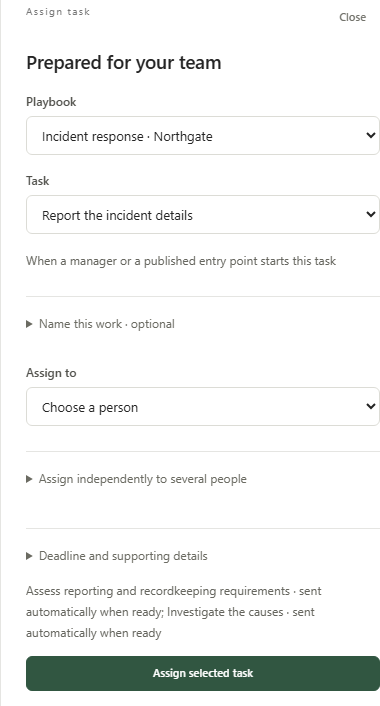
Choose prepared work and its recipient — incident-response example

Agree the outcome for your first workflow with our team.
Trusted by leading organizations




“SkillSmith has always been very professional and responsive throughout the entire process and an absolute pleasure to work with.”
Paul HildebrandDirector of HSE/DOT, Jones Power
Confirm hours and fitness before dispatch
The assigned team member works from declaration and policy. The record makes fit to drive yes/no and hours in last 24 h and 7/8 days (from the eld when connected) clear to the next person.
WORKED DECISION
| Decision point | Information to use | Responsible next step |
|---|---|---|
| Working material | Declaration and Policy | Open the selected material for this occurrence. |
| Recorded response | fit to drive yes/no, hours in last 24 h and 7/8 days (from the ELD when connected) and rest | Save the response with its work context. |
| Review point | rest and vehicle | Agree the next action with the person responsible for this decision. |
Connected work across your team
Bring declaration and policy into the prepared work. Assigned team member and Team lead each receive the context needed for their part.
Assigned team member
Record fit to drive yes/no, hours in last 24 h and 7/8 days (from the ELD when connected), rest and vehicle.
Team lead
When hours are near a limit, the hours record is missing or stale, or fitness is flagged, record hold, re-route within the remaining hours, dispatch within limits, reason and never dispatch when unfit.
BeforeMissing prerequisites are discovered after the work is assigned.
With SkillSmithMake prerequisites and required resources visible in the prepared task plan.
BeforeEach assignment requires recreating its instructions and fields.
With SkillSmithChoose a prepared task with its resources, response fields and next steps already defined.
Connected information and agent support
Keep the relevant material available at the point it is used. The resource choices below support different parts of the work.
Your work context
The daily fitness (and hours) declaration.
The carrier's hours-of-service and fatigue policy naming the applicable rule set.
Electronic logging device feed — the authoritative hours record when connected.

We bring the relevant
context into your work
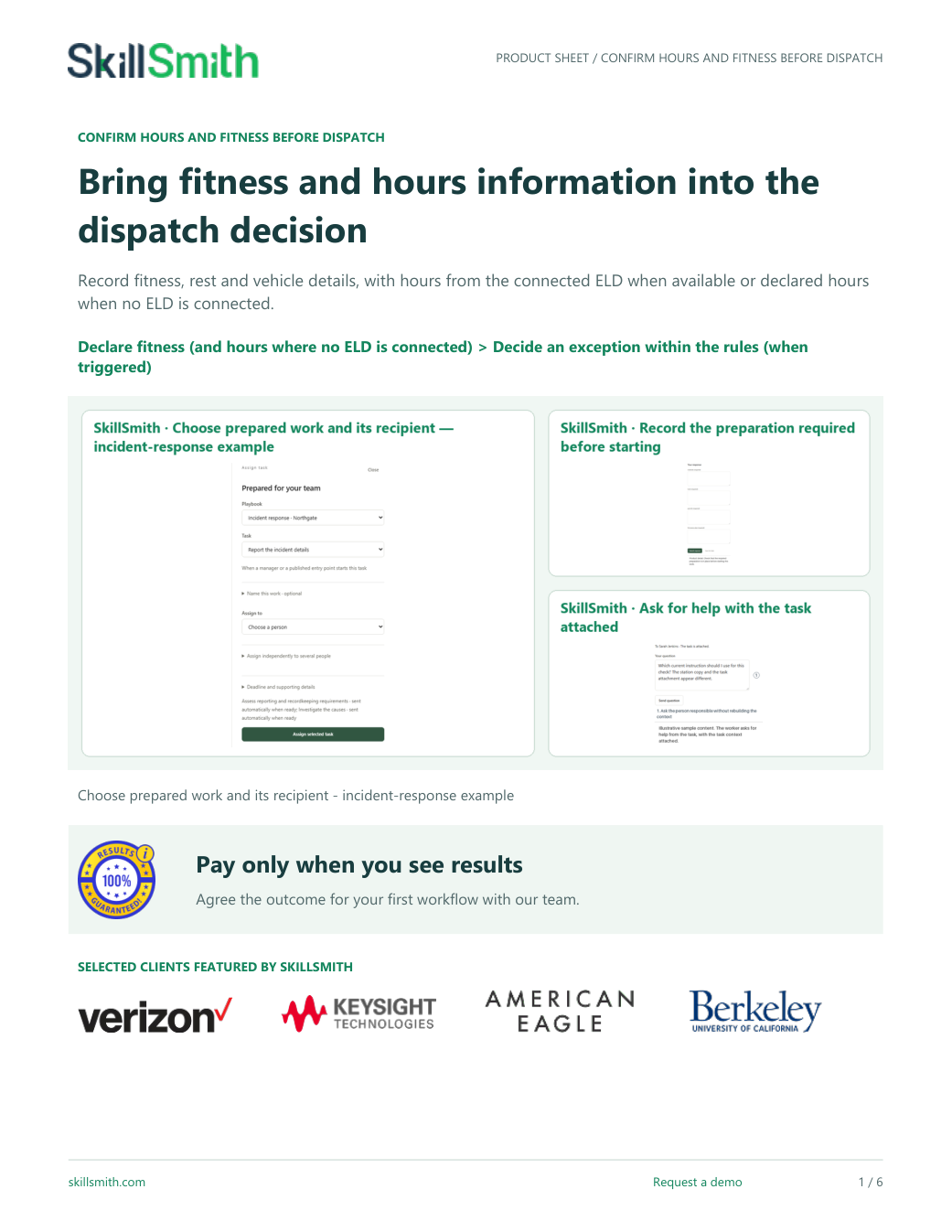
Keep the conversation moving
Use the product sheet to review the roles, materials, workflow and setup choices together.
PDF · 6 pages
Our delivery approach
Start with the materials and people you already have. We help make the setup choices explicit before your team uses the method.
Choose declaration and policy from the resources your team uses.
What we prepare togetherThe relevant resources are available for the tasks that use them.
Confirm assigned team member and team lead for this method, then choose the people eligible to receive its work.
What we prepare togetherThe method names who contributes, reviews and receives the next work.
Walk through these conditional steps: “Decide an exception within the rules”.
What we prepare togetherYour team sees the response and the resulting next step before extending the method.
Talk with our team
Bring us the work your team wants to improve. We’ll walk through your instructions, responsibilities and review criteria, then show how our platform can support that work.
We work with your team to organize the source material, responsibilities and review choices. Start with one useful example, then carry the agreed method into everyday work.
Your materialUse the instructions, forms and references your team already maintains.
Practical preparationConnect the material to the people and responses needed for the method.
A useful walkthroughTry the ordinary route and the point where your team needs a different decision.

VP of Strategic Partnerships
Connecting your workflows with the systems and partners you rely on.

Director of Customer Success
Helping your team turn procedures into practical learning and task completion.
Your questions
The response for this occurrence retains fit to drive yes/no, hours in last 24 h and 7/8 days (from the eld when connected), rest and vehicle. It belongs to the work being reviewed, rather than replacing a different occurrence's record.
Bring declaration and policy. We use those choices to prepare the working context, then check that each task opens the material it needs.
The conditional route is used when hours are near a limit, the hours record is missing or stale, or fitness is flagged. Select the variant or respond to the recorded condition before treating that step as required.
Declaration on record; exceptions decided within the rules before dispatch; an unfit driver held.